What to Put in Your LinkedIn Headline (With Examples That Actually Get Noticed)
Your LinkedIn headline is the most visible piece of real estate on your profile—and most people waste it. That default "Marketing Manager at Acme Corp" tells recruiters nothing about what you actually do well, what problems you solve, or why they should click.
Here's how to write a headline that works for your specific situation, whether you're actively hunting, passively open, switching careers, or fresh out of school.
Why Your LinkedIn Headline Matters More Than You Think
Your headline appears in five critical places: search results, connection requests, comments you leave on posts, messages you send, and "People Also Viewed" sidebars. In every case, it's often the only thing someone reads before deciding whether to click your profile or keep scrolling.
LinkedIn's own data confirms that profiles with customized headlines get significantly more views than those using the default job title format. Recruiters on LinkedIn Recruiter run keyword searches—your headline is weighted heavily in those results. If a recruiter searches "supply chain analyst" and your headline says "Professional at XYZ Company," you're invisible.
What LinkedIn Gives You to Work With (Character Limits & Defaults)
LinkedIn gives you 220 characters for your headline. On mobile, only about the first 60 characters display before truncation. On desktop search results, you'll typically see 120 characters.
The default headline LinkedIn auto-generates is: [Current Job Title] at [Current Company]. This is the minimum viable headline—functional, but generic. You're competing against millions of other "Project Managers at [Company]."
Use the full 220 characters. Front-load the most important words in the first 60.
The Simple Formula: What to Put in Your LinkedIn Headline
Here's a fill-in-the-blank structure that balances branding with discoverability:
[Role/Title] | [Key Skill or Specialization] | [Value You Deliver or Audience You Serve]
Examples using this formula:
Senior Data Analyst | Python, SQL, Tableau | Turning messy datasets into revenue decisionsB2B Content Strategist | SaaS & Fintech | I help companies rank for the keywords that drive pipelineRegistered Nurse | ICU & Telemetry | 8 years keeping critical patients stable
The pipe character (|) creates visual separation. You can also use • or — if you prefer.
What to Include If You're Actively Job Searching
When you're actively applying, your headline needs to do two jobs: tell recruiters what role you want and prove you're qualified for it.
Formula: [Target Role] | [Strongest Credential or Metric] | [Industry/Specialization]
Examples:
Seeking Product Manager Roles | Former PM at Shopify | Led 0→1 launches in e-commerceSoftware Engineer | 5 YOE in Backend Java & Microservices | Open to New OpportunitiesOperations Manager | Reduced warehouse costs 23% at scale | Actively exploring next role
Include "Open to" or "Seeking" only if you're comfortable being public. It signals urgency to recruiters, which can work in your favor.
What to Include If You're Open to Opportunities (But Not Publicly)
If you're employed and discreetly exploring, skip the "seeking" language. Instead, write a headline that's rich with searchable keywords so recruiters find you organically.
Formula: [Current Title] | [Skills Recruiters Search For] | [Differentiator]
Examples:
Marketing Director | Demand Gen, ABM, HubSpot | Building pipeline at B2B SaaS companiesCivil Engineer | Structural Design & LEED Certification | $50M+ commercial projects
Pair this with LinkedIn's "Open to Work" feature set to "Recruiters only"—it won't alert your current employer, but it signals availability in LinkedIn Recruiter's filters.
What to Put in Your LinkedIn Headline as a Recent Graduate
New graduates often default to "Recent Graduate from [University]." This tells recruiters nothing about what you can do.
Formula: [Target Role] | [Relevant Skills or Coursework] | [Degree] from [School]
Examples:
Entry-Level Financial Analyst | Excel Modeling, Bloomberg Terminal, CFA Level I Candidate | Finance BS, NYU SternAspiring UX Designer | Figma, User Research, A/B Testing | HCI Graduate, Georgia Tech
For more context on presenting yourself with limited experience, see this guide on writing a LinkedIn summary with no experience.
What to Include If You're Changing Careers
Career changers need to bridge past experience with future direction. Your headline should acknowledge the transition without apologizing for it.
Formula: [Target Role] | [Transferable Skill from Previous Career] | Transitioning from [Previous Field]
Examples:
Data Analyst | 6 Years Translating Complex Financials into Insights | Former CPA Transitioning to TechUX Researcher | Expert Interviewer & Behavioral Pattern Spotter | Former Clinical Psychologist
The key: frame your old career as an asset, not a liability. If you're also rewriting your resume for a career change, align your headline language with the same framing.
LinkedIn Headline Keywords: How to Choose the Right Ones
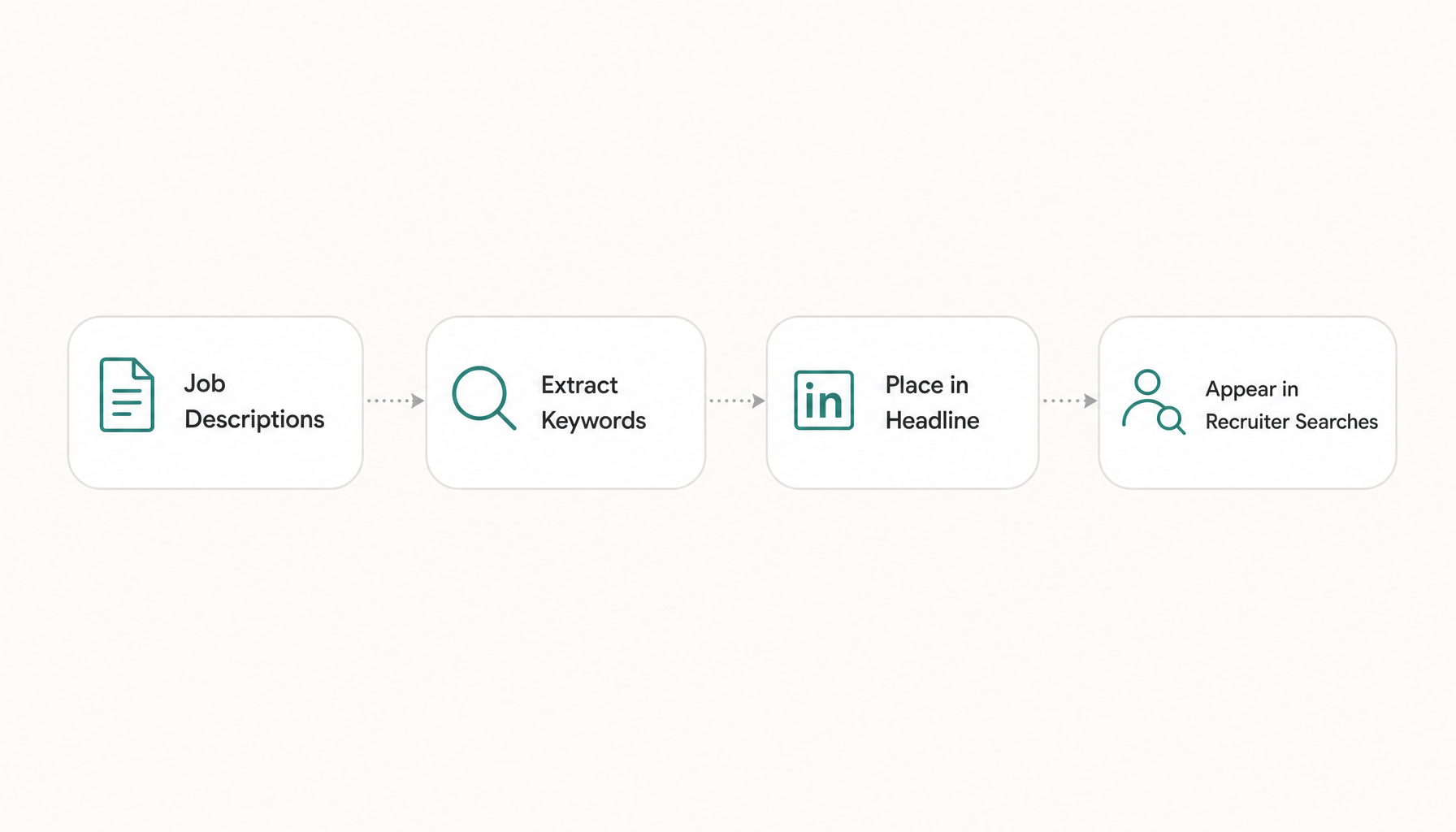
Recruiters search LinkedIn the same way ATS software scans resumes—by keyword. Your headline should contain the exact terms recruiters type when sourcing for your target role.
How to find the right keywords:
- Open 5-10 job descriptions for your target role
- Note the titles, tools, and skills that appear repeatedly
- Use those exact phrases—not synonyms—in your headline
For example, if every Product Manager listing mentions "roadmap prioritization," "cross-functional leadership," and "Agile," those belong in your headline—not "I help teams build stuff."
Here's a free shortcut: paste any job description into Resume Inspector's keyword scanner and it'll extract the highest-priority terms instantly. This works for LinkedIn optimization just as well as resume tailoring—the recruiter search terms are the same keywords the ATS looks for.
Common Mistakes to Avoid in Your LinkedIn Headline
"Passionate professional seeking new opportunities" — Vague, unsearchable, tells recruiters nothing about your skills.
Buzzword soup: "Innovative thought leader disrupting paradigms" — Recruiters search for "data engineer," not "paradigm disruptor."
Only listing your company: "Employee at Google" — Unless Google is doing your job search for you, this doesn't help.
Stuffing every skill you've ever learned: "Excel, Word, PowerPoint, Outlook, Teams, Zoom, Slack..." — Stick to 3-4 high-value, differentiating skills.
Using humor that requires context: "Professional Cat Herder 🐱" — Funny to your coworkers, invisible to recruiters searching for "project manager."
LinkedIn Headline Examples by Role and Goal
| Situation | Example Headline |
|---|---|
| Active job seeker (engineering) | `Backend Engineer |
| Passive candidate (marketing) | `VP Marketing |
| Recent graduate (design) | `Product Designer |
| Career changer (to data) | `Data Analyst |
| Freelancer | `Freelance Copywriter |
How to Test Whether Your Headline Is Actually Working
Don't just write it and forget it. Here's how to measure:
-
Check search appearances: LinkedIn shows you weekly how many searches you appeared in. Update your headline, then compare the next 2 weeks to the prior 2 weeks.
-
Track profile views: A headline change should produce a noticeable bump within 7 days if you're active on the platform (commenting, connecting).
-
Ask a recruiter friend: Send them your target job title and ask if your profile appears in their first 2 pages of results.
-
A/B test: Change your headline every 2-3 weeks and track which version drives more inbound messages.
If search appearances stay flat after a headline update, your keywords probably don't match what recruiters actually type. Go back to those job descriptions and look for terminology gaps.
Your LinkedIn headline and your resume should speak the same keyword language. If you're not sure whether your resume matches the terms recruiters are actually searching for, paste a job description into Resume Inspector — it's free, no credit card needed — and you'll see exactly which keywords you're missing in under a minute. That same list doubles as your LinkedIn headline keyword shortlist.