LinkedIn Profile Tips That Actually Get You Noticed (2026 Guide)
Most LinkedIn profiles are invisible. Not because they're poorly written in some obvious way, but because they're written for no one in particular. They describe what you've done without signaling what you want—or why someone should care. This guide fixes that by introducing a concept most LinkedIn advice ignores: profile-to-job alignment. The same keyword logic that gets resumes past ATS screening is what makes LinkedIn profiles surface in recruiter searches.
Why Most LinkedIn Profiles Get Ignored (And How to Fix Yours)
LinkedIn has over 1 billion members. Recruiters use Boolean searches and LinkedIn Recruiter filters to narrow that pool to 50–200 candidates for any given role. If your profile doesn't contain the exact phrases they're searching for, you don't exist.
The problem isn't cosmetic. It's strategic. Here's what's actually happening:
- Generic profiles rank for nothing. A headline that says "Marketing Professional" competes with millions. A headline that says "B2B SaaS Content Strategist | SEO & Demand Gen" competes with hundreds.
- Profiles written in past tense signal unavailability. Recruiters filter for active candidates. Passive language ("was responsible for") reads like a museum plaque.
- No keyword alignment = no search visibility. LinkedIn's algorithm matches profile text against recruiter search queries. No match, no appearance.
The fix isn't adding buzzwords randomly. It's reverse-engineering the roles you actually want, then reflecting their language in your headline, summary, and experience section.
LinkedIn Profile Tips for Your Headline: Stop Using Your Job Title
Your headline is 220 characters of prime real estate. Most people waste it by defaulting to their current job title—something LinkedIn does automatically if you don't override it.
What recruiters actually search for: skill combinations, seniority signals, and industry context.
Bad headline:
"Senior Manager at Acme Corp"
Better headline:
"Senior Product Manager | B2B Fintech | Roadmap Strategy, Cross-Functional Leadership, 0→1 Launches"
The second headline does three things: states seniority, declares industry, and packs in searchable skills. A recruiter searching "product manager fintech" will find this profile. They won't find "Senior Manager at Acme Corp."
Tactical tip: Look at three job descriptions for roles you want. Pull the title format and top 2–3 skills from each. Your headline should borrow that exact language.
How to Write a LinkedIn Summary That Recruiters Actually Read
The About section gives you 2,600 characters. Most people write a bland paragraph or leave it empty. Recruiters spend 6–10 seconds scanning it. Structure wins.
A summary that works follows this framework:
- Hook (1–2 sentences): What you do and who benefits. "I help Series B SaaS companies build content engines that drive pipeline—not just traffic."
- Proof (3–4 bullets): Specific outcomes. "Grew organic traffic 340% in 14 months at [Company]." "Built and led a 6-person content team from scratch."
- What you're looking for (1 sentence): "Currently exploring senior content leadership roles in B2B SaaS or fintech."
- Keywords (natural integration): Weave terms like "demand generation," "content strategy," "SEO," and "editorial operations" throughout.
The last sentence matters more than people think. Recruiters want to know if reaching out will be well-received. Stating your intent explicitly increases InMail response rates.
Profile Photo and Banner: The First Impression You Can't Afford to Skip
Profiles with photos get 21x more views and 36x more messages than those without. This isn't vanity—it's functionality.
Photo rules:
- Face takes up 60–70% of the frame
- Plain or blurred background
- Natural lighting, not a flash
- Professional but approachable (no suits required—match your industry's norms)
- Recent (within 2 years)
Banner image: The default blue gradient signals "I didn't try." Use your banner to reinforce your positioning. A data analyst might use a clean data visualization. A marketer might display a tagline or key metric. Free tools like Canva offer LinkedIn banner templates at the correct 1584×396 pixel dimensions.
Experience Section Tips: Achievements Over Duties, Every Time
This section is where most profiles die. Listing responsibilities tells recruiters nothing they can't infer from the job title itself.
Duty-based (weak):
"Managed social media accounts and created content calendars."
Achievement-based (strong):
"Grew LinkedIn following from 2K to 47K in 11 months through original thought leadership content, generating 120+ inbound leads per quarter."
For each role, aim for 3–5 bullet points that answer: What did I do, for whom, and what measurable result did it produce?
Use strong action verbs to start each bullet. "Spearheaded," "Reduced," "Launched," and "Negotiated" carry more weight than "Helped" or "Assisted."
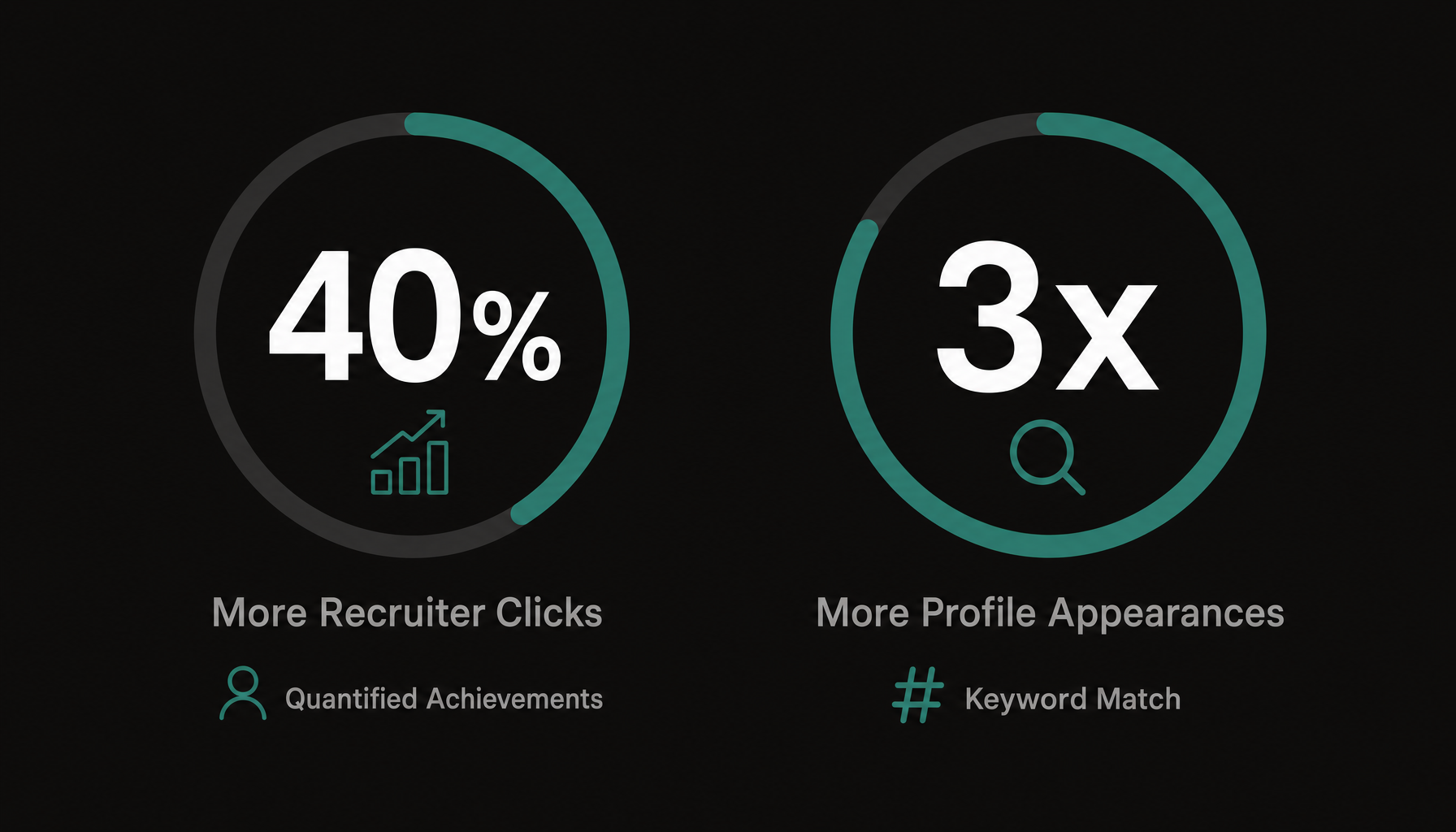
Skills, Endorsements, and Keywords: How LinkedIn's Algorithm Really Works
LinkedIn's search algorithm weighs these factors heavily:
- Headline keywords (highest weight)
- Skills section (direct match to recruiter filters)
- About/Summary text
- Experience descriptions
- Endorsement volume (social proof signal)
You get up to 50 skills. Use all 50. Pin your top 3 strategically—these should mirror the most common requirements in your target roles.
How to choose skills: Don't guess. Open 5 job descriptions for your target role. List every skill mentioned. Cross-reference with LinkedIn's skill options. Add them all.
Endorsements still matter for ranking. The profiles that appear first in searches tend to have 20+ endorsements on their pinned skills. Ask former colleagues directly—a quick message saying "Would you endorse me for [specific skill]?" works better than hoping.
LinkedIn Tips for Job Seekers: Aligning Your Profile With Job Descriptions
Here's where most LinkedIn advice falls short. Generic optimization gets generic results. Your profile should be a living document that mirrors the specific roles you're targeting.
This is the same logic that applies to tailoring your resume: extract the language from job descriptions, then reflect it back.
The process:
- Collect 3–5 job descriptions for your target role
- Identify recurring keywords—titles, tools, methodologies, soft skills
- Map those keywords to your headline, summary, and experience bullets
- Update monthly as you refine your target or see new postings
The challenge is that extracting keywords manually is tedious and you'll miss patterns. Want a shortcut? Paste any job description into Resume Inspector—it's free, no signup needed—and you'll see exactly which keywords that role prioritizes in under a minute. Use that list to audit not just your resume but your LinkedIn profile. If "stakeholder management" appears in every JD and nowhere on your profile, that's a gap costing you visibility.
This profile-to-job alignment approach means your LinkedIn profile isn't static. It evolves as your target evolves. When you pivot from "project manager" roles to "program manager" roles, your profile language should shift too—different keywords, different framing, different proof points.
Featured Section, Recommendations, and the Details That Set You Apart
Featured Section: Pin your strongest assets here. This could be a portfolio piece, a case study PDF, a conference talk, or a post that got significant engagement. Recruiters click these. Don't pin company blog posts you didn't write.
Recommendations: Three thoughtful recommendations outweigh thirty generic ones. Request them from people who can speak to specific results: "Could you mention the product launch we did together and the revenue impact?" gives your recommender direction and gives recruiters evidence.
Additional details that signal seriousness:
- Custom URL (linkedin.com/in/yourname, not linkedin.com/in/user38492748)
- Creator mode (if you post regularly—expands your reach)
- Open to Work settings (visible to recruiters only, if you prefer discretion)
- Volunteer experience and certifications (these are searchable and add keyword density)
Try our free Job Keyword Scanner to see how your resume stacks up.
How to Know If Your LinkedIn Profile Is Actually Working
LinkedIn gives you data. Use it.
- Profile views (weekly): Trending up after changes? Your optimization is working.
- Search appearances: LinkedIn tells you what keywords people used to find you. If those keywords don't match your target roles, realign.
- SSI Score (Social Selling Index): Visit linkedin.com/sales/ssi. A score above 70 puts you in strong territory.
- InMail/connection request quality: If recruiters reaching out are for the wrong roles, your profile is attracting the wrong audience. Revisit your headline and top skills.
Check these metrics 2 weeks after any major profile update. If search appearances increase for your target terms, you've succeeded. If not, revisit the job descriptions you're targeting and look for language gaps.
And if you want to validate that your resume matches the same roles you've optimized your profile for, run a quick free analysis to see where the gaps are. A strong LinkedIn profile paired with a misaligned resume creates a frustrating disconnect for recruiters—and costs you interviews.
Your LinkedIn profile isn't a static bio. It's a searchable, rankable asset that should evolve with your career targets. Treat it like a resume that's always being read—because it is.